
AutoCAD Tips
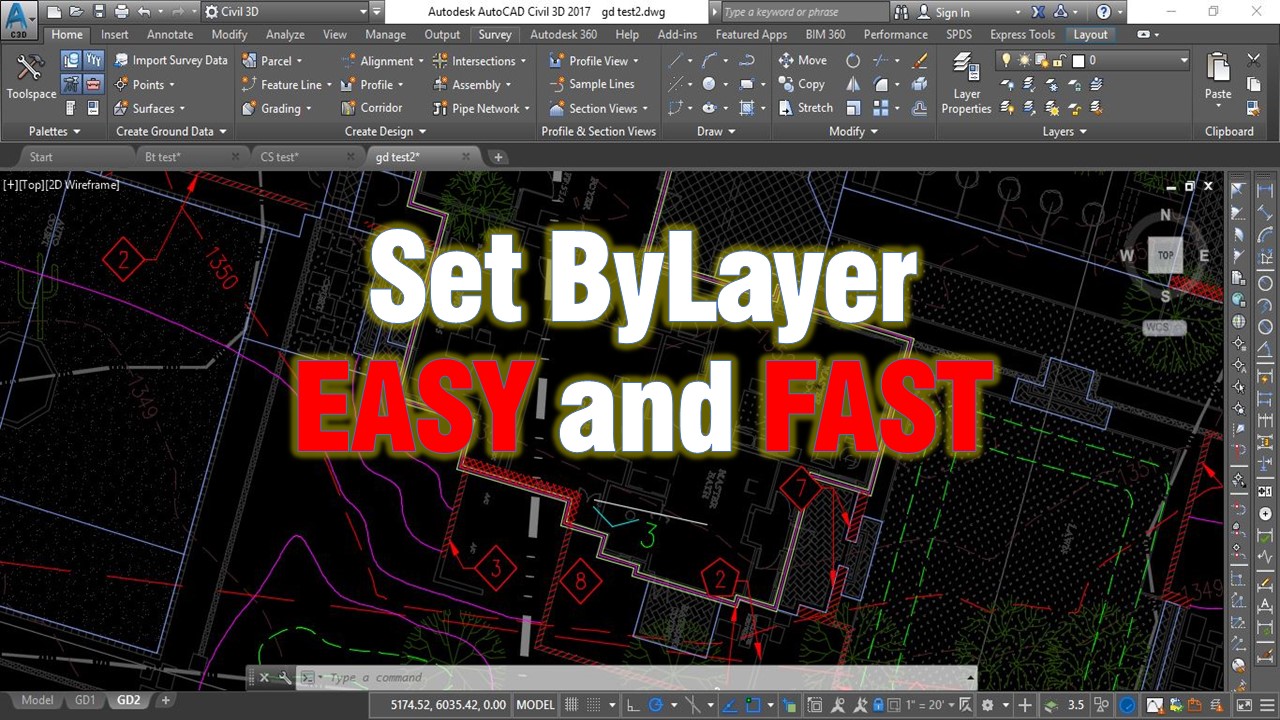
Change multiple objects to ByLayer Effortlessly!
Today we will look at one really interesting and very useful command that i recently found about. It's called SetByLayer and what this command does is...
AutoCAD Tips
Create Custom Keyboard Shortcuts in AutoCAD!
Many people like to use a keyboard to enter commands, that's because it saves lots of time. However some commands are difficult to remember, but in... AutoCAD Tips
Create custom shortcuts in AutoCAD!
Many people like to use keyboard to enter commands, that's because it saves lots of time. However some commands are difficult to remember, but in AutoCAD...
AutoCAD Tips
Trim and Extend like PRO
Today I am going to share with you a little trick that I really like using! Trim and Extend are both very, very useful commands and drafters usually use... AutoCAD Tips
How to Trim and Extend with Only One Command?
How to Trim and Extend at the speed of light! Preview in new tab Today I am going to share with you a little trick that I like using! How to Trim and...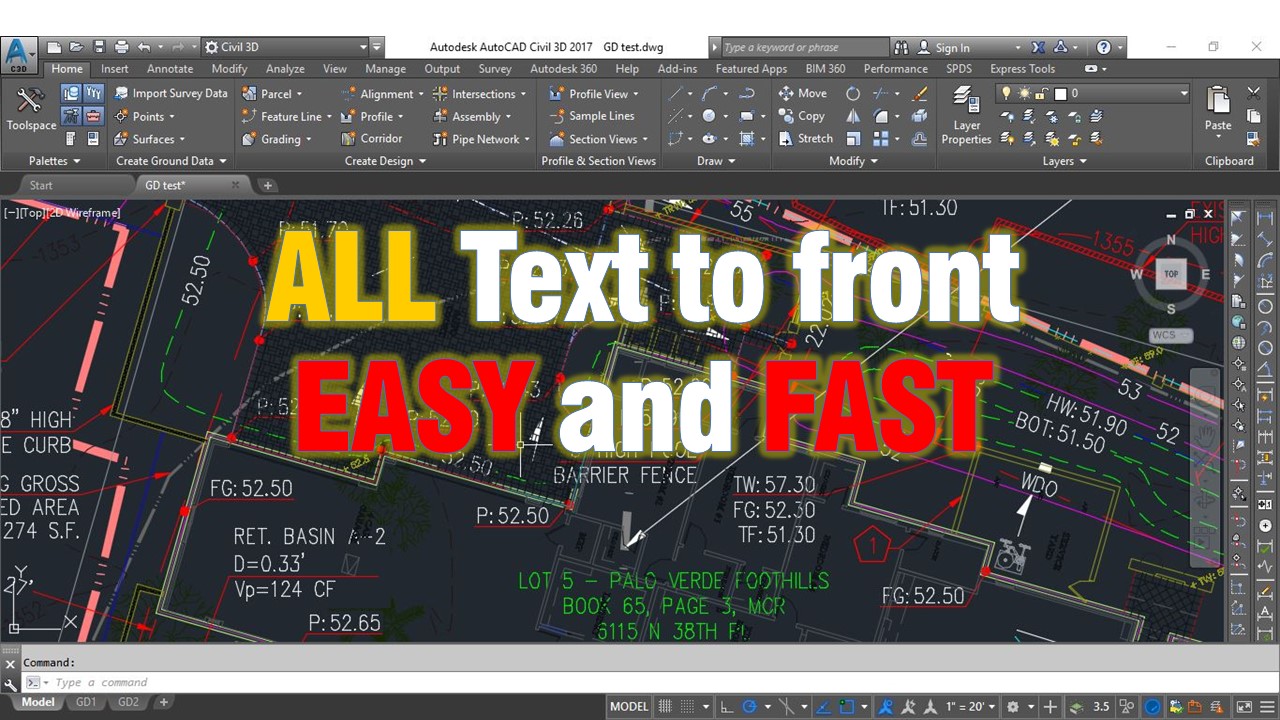
AutoCAD Tips
All Text to front
Text is one of the most important things in our drawings. Text objects are Text, Mtext, Leaders, Dimensions etc. It is so annoying to put dimension then... AutoCAD Tips