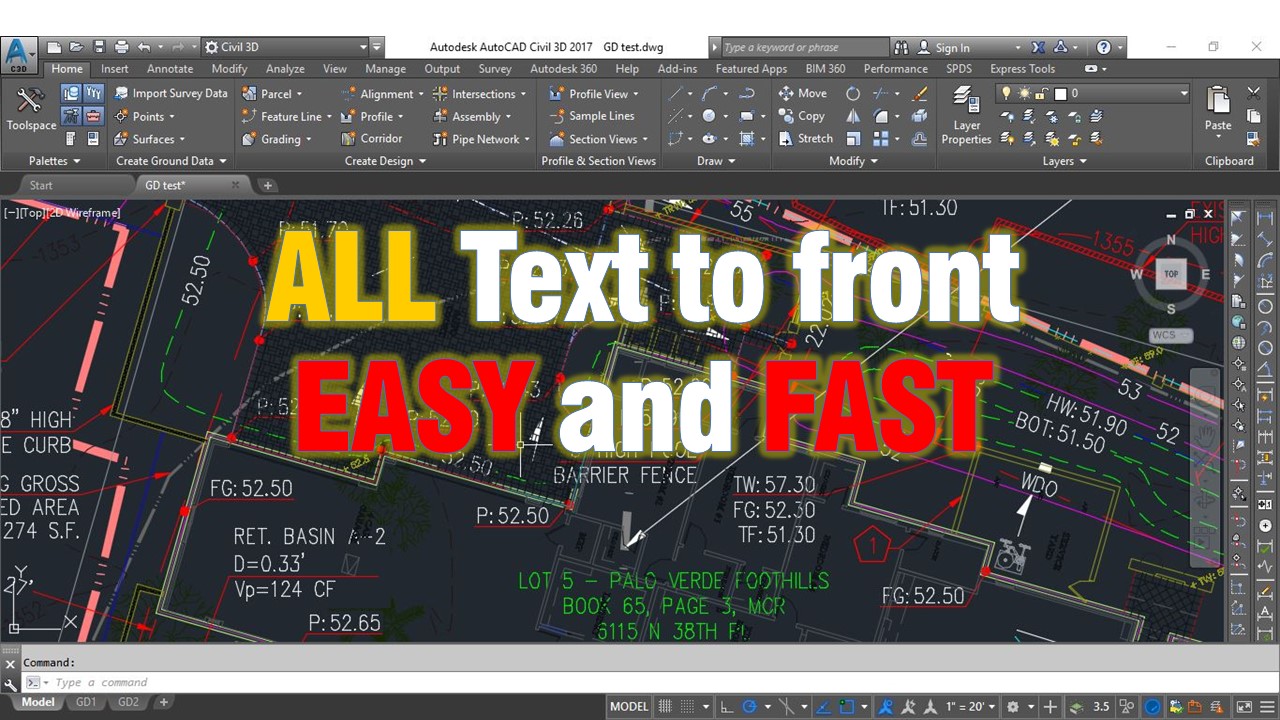
Text is one of the most important things in our drawings. Text objects are Text, Mtext, Leaders, Dimensions etc. It is so annoying to put dimension then draw some lines and then another dimension and in the end all those lines, hatches cross your text objects and look so awful. Of course at that moment you start to select every text object and Bring it to front, this can sometimes take hours.
Wait a minute is it normal for engineer to spend HOURS in tasks like this? The simple answer is NO! IT IS NOT!! So here is one little trick I want to share with you. There is command “Texttofront” which brings all the text to front including dimensions!
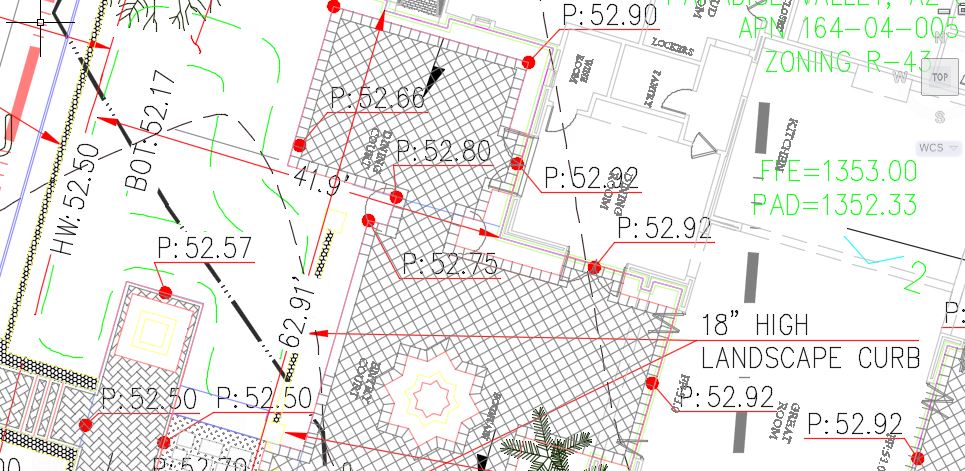
Before
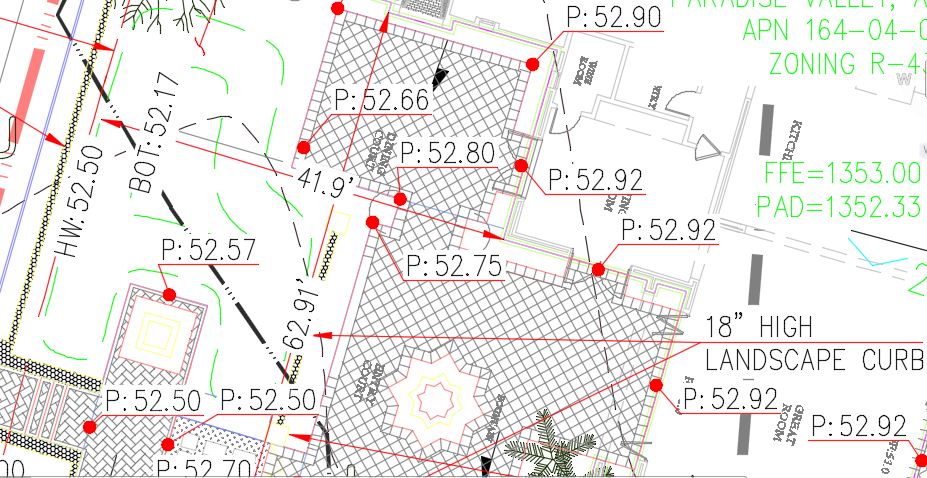
After
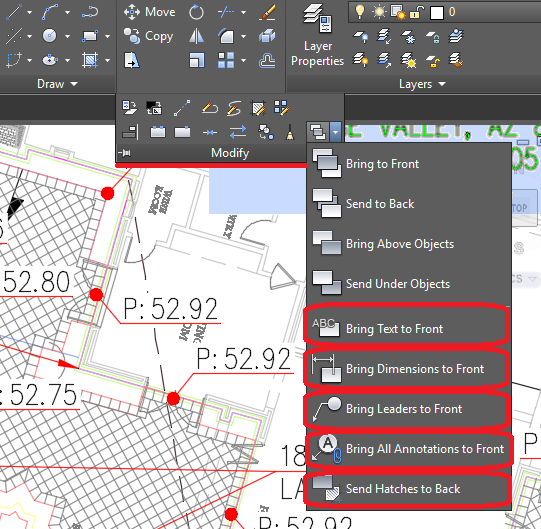
You can type Texttofront in command line or you can find it in Home ribbon > Modify > Bring to front. If you are using mouse you will see all the variations of the command there is also Hatchtoback command which also can be very useful.
If you are using command line then when you type the command AutoCAD will ask you to choose from Text, Dimensions, Leaders or All. I usually choose All but sometimes you would need to choose more specific option.
Note: This trick works as well for civil 3d Labels !
Try it on your own drawing
TerraDraft Lite is free to download.