
Blog
AutoCAD and Civil 3D tips, guides and tutorials. 238 posts.
AutoCAD Tips
How to Copy Layer Settings to Another Drawing (Copy Layer Properties)
Are you trying to Copy Layer Properties from one drawing to another? Or Trying to Copy a Layer Settings between different Layout Tabs / Viewports? Well... AutoCAD Tips
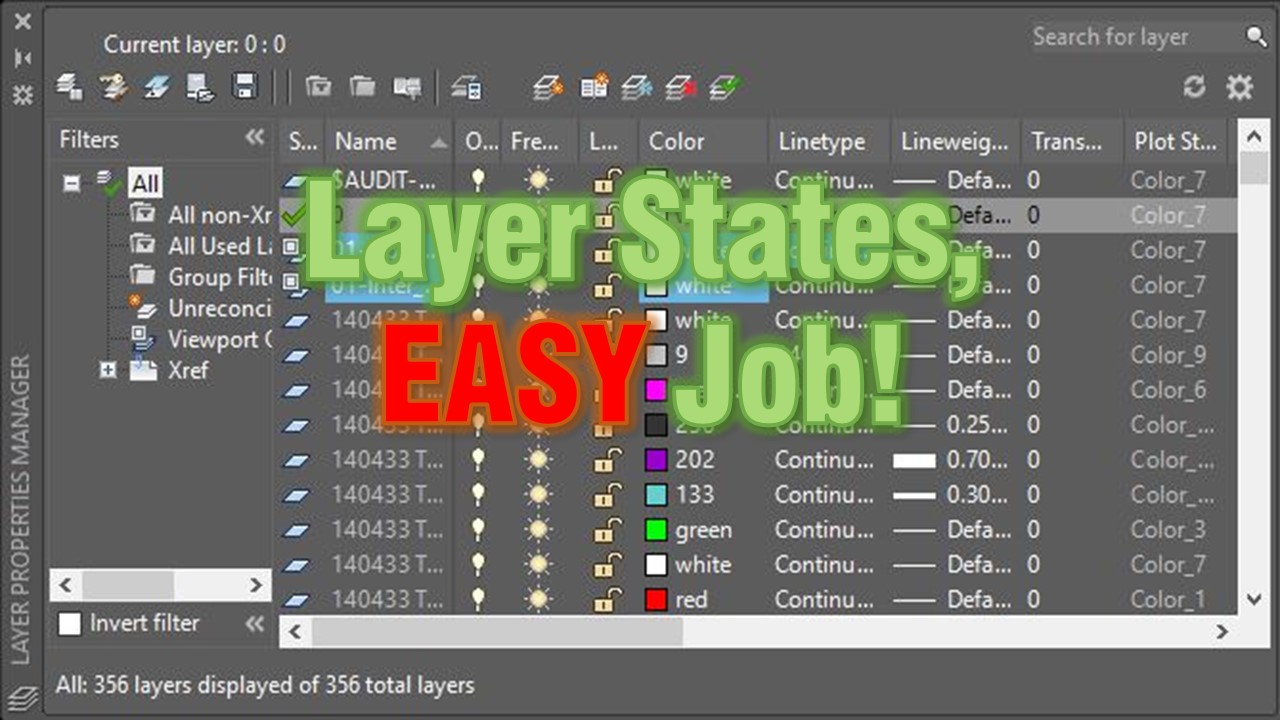
Layer States, EASY Job! What is Layer States and how to use them?
In my opinion Layer States are a bit more complex and are used by people who already had some project done with AutoCAD. So let's dive deeper in our...
AutoCAD Tips
How to Turn off Annotation scale Preview
Here we are going to talk about Annotative objects , they are great! If you are wondering how to turn off Annotation preview of the object you would...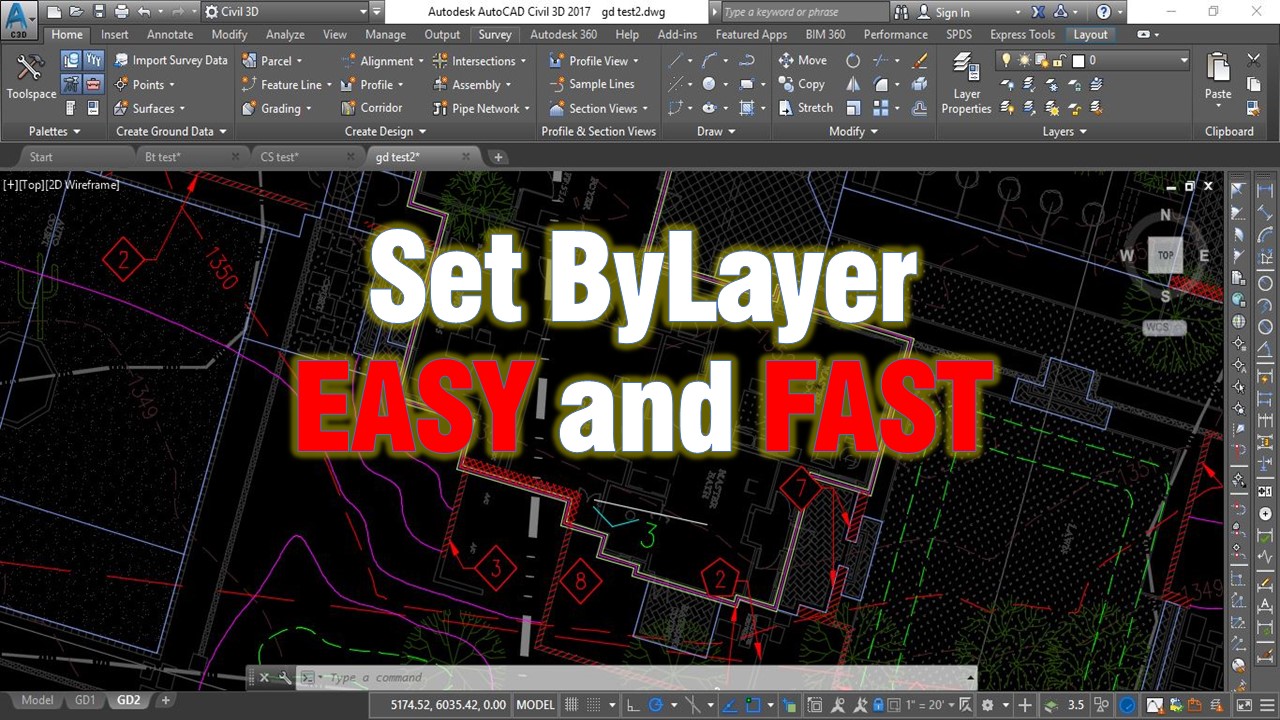
AutoCAD Tips
Change multiple objects to ByLayer Effortlessly!
Today we will look at one really interesting and very useful command that i recently found about. It's called SetByLayer and what this command does is...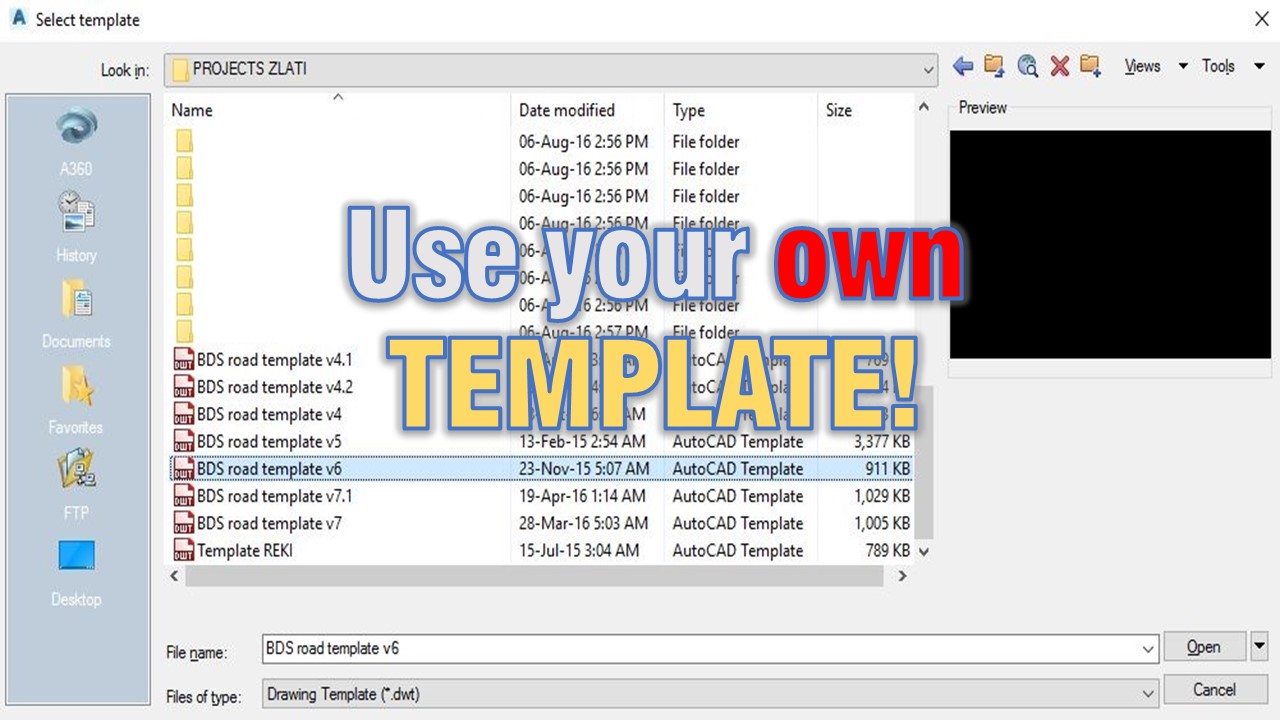
AutoCAD Tips
Use your own TEMPLATE! (Create your own CAD standards!)
Why do I need a template? The Title says it all, use your own Template ! I hate when we at the office receive drawing with only one layer Layer 0 , Aahhh... Civil 3D Tips
Use your own TEMPLATE! Create your own CAD standards!
The Title says it all, use your own Template ! I hate when we at the office receive drawing with only one layer Layer 0 , Aahhh it can't be worst (well...
Civil 3D Guides
Assign elevations to Feature line from existing surface.
Feature lines in AutoCAD Civil 3d are one of the most powerful objects in the software. They are very similar to normal 3d Polylines but we have an... Civil 3D Guides
How to Assign Elevations to Feature line from Existing Surface.
Feature lines in AutoCAD Civil 3d are one of the most powerful objects in the software. They are very similar to normal 3d Polylines, but we have an...
AutoCAD Tips
Create Custom Keyboard Shortcuts in AutoCAD!
Many people like to use a keyboard to enter commands, that's because it saves lots of time. However some commands are difficult to remember, but in... AutoCAD Tips
Create custom shortcuts in AutoCAD!
Many people like to use keyboard to enter commands, that's because it saves lots of time. However some commands are difficult to remember, but in AutoCAD...
AutoCAD Tips
Trim and Extend like PRO
Today I am going to share with you a little trick that I really like using! Trim and Extend are both very, very useful commands and drafters usually use... AutoCAD Tips