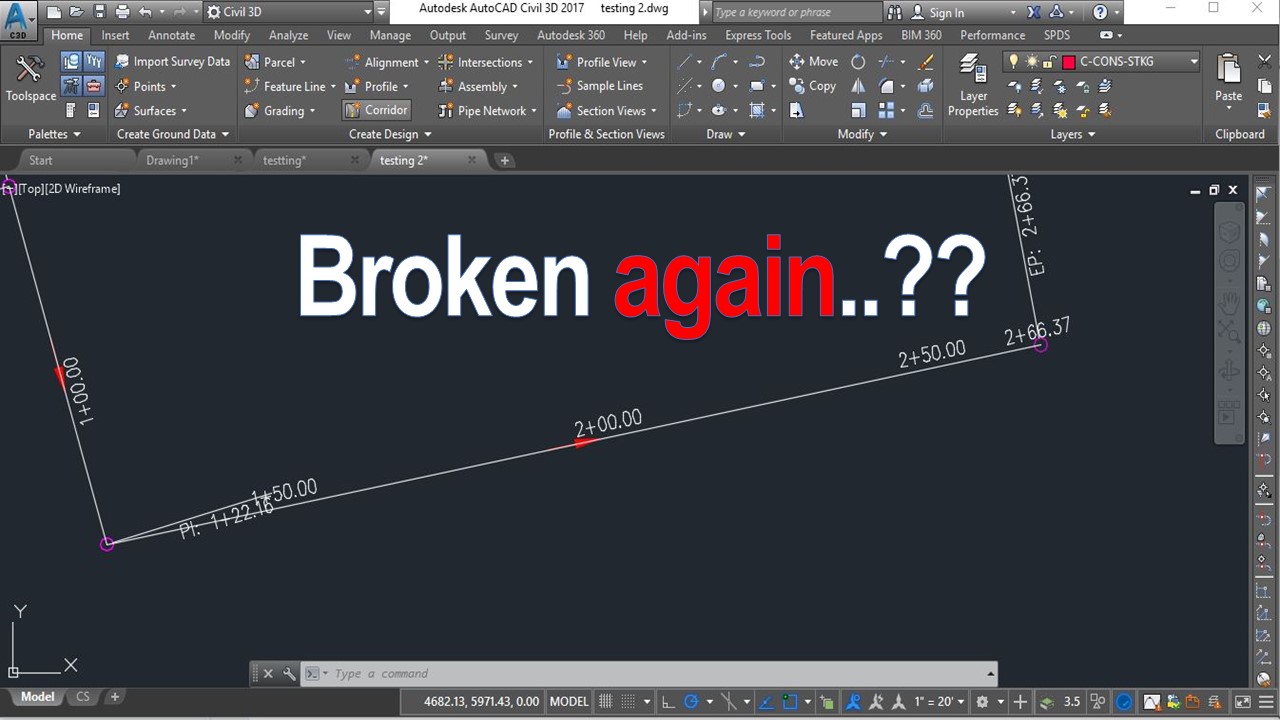
Aaah there are so many things that can go wrong with AutoCAD just because we are in hurry and sometimes hit the wrong buttons.. In this example we will look at what makes our program behave unusual - you pick a line hit Del button and nothing happens? , When you double click at Mtext nothing happens? For Civil 3d Users - When I right click on object there are no Civil 3D functionality ?
Don’t worry it is probably due to another system variable “PICKFIRST” here is what Autodesk says about it:
Controls whether you can select objects before you start a command.
Type: Integer Saved in: Registry Initial value: 1
|
0 |
Off. You can select objects only after you start a command |
|
1 |
On. You can also select objects before you start a command |
So if you want to “Repair” your AutoCAD just type Pickfirst and hit 1. Now everything should work normal.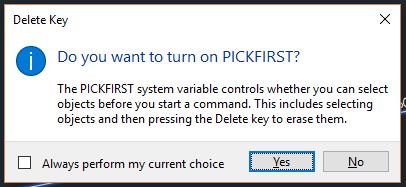
In AutoCAD 2017 tough if pickfirst is turned off (value 0) if you try to use a command like erase, AutoCAD will automatically ask you if you want to turn Pickfirst on which is great! It will save lots and lots of worries.
Try it on your own drawing
TerraDraft Lite is free to download.